How to Handle E-commerce Customer Returns and Claims Like a Pro
Every e-commerce seller knows the feeling of dread when they receive a "Customer Return" notification. Unlike RTO (Return to Origin), where the product comes back unopened, customer returns often involve products that have been used, damaged, or in worst cases, replaced with a completely different item. This "Return Fraud" is a major profit-killer for online sellers.
However, marketplaces like Flipkart, Amazon, and Meesho have systems in place to protect sellers. In this guide, we will show you how to manage returns professionally and how to successfully file claims to get your money back.
1. The Importance of Video Evidence
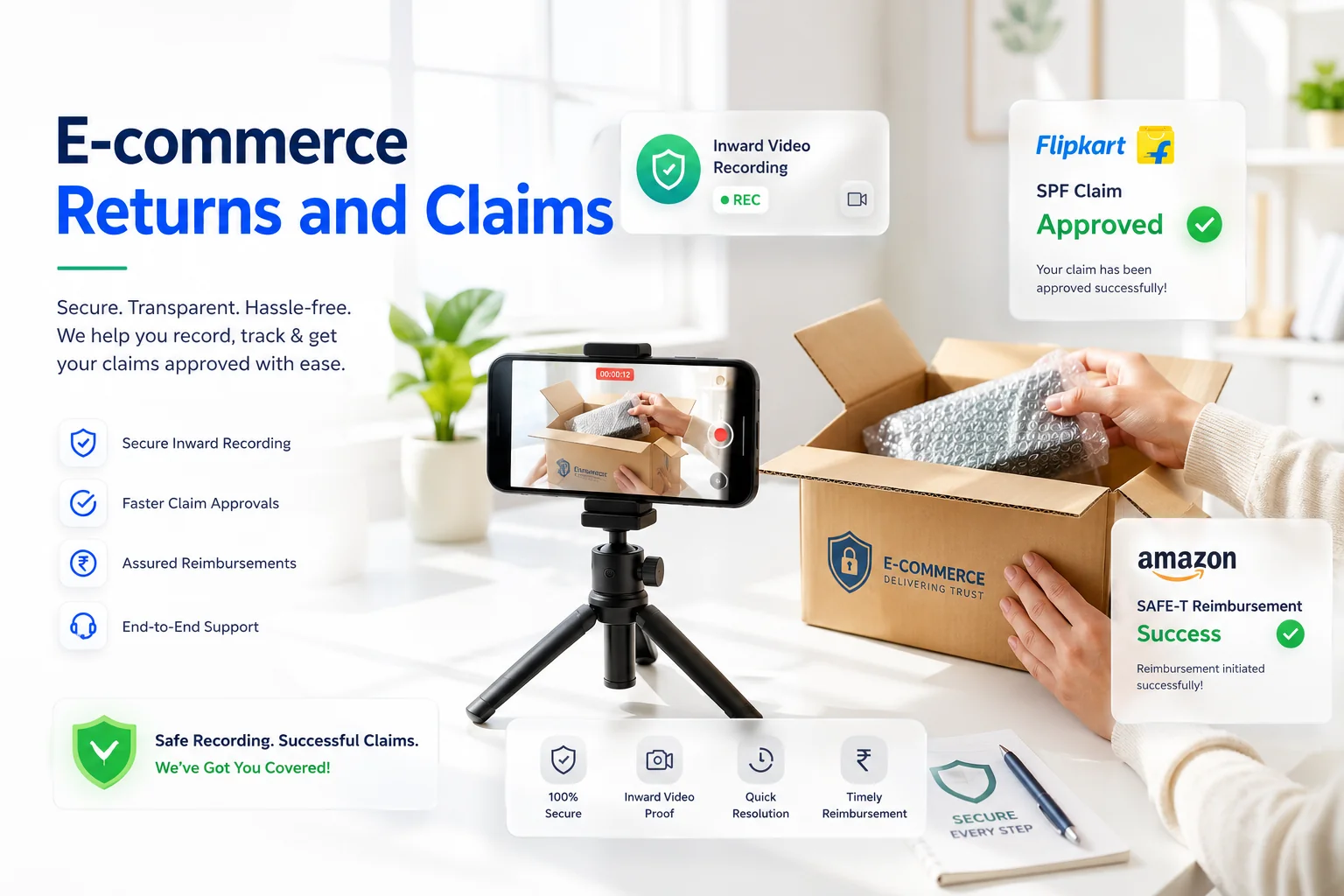
In 2026, you cannot win a claim without proof. Your most powerful weapon against return fraud is the Inward Video.
- Record Everything: Always record a video while opening customer return parcels.
- Show the Label: Clearly show the shipping label, the tracking ID, and the condition of the outer packaging (tamper-proof bag) before opening.
- Continuous Shot: The video should be a single, continuous shot with no cuts or edits. Show the product clearly from all angles once it's out of the box.
2. Filing SPF Claims on Flipkart
Flipkart's Seller Protection Fund (SPF) is designed to compensate you for damaged or wrong returns.
- Timeline: You must file the SPF claim within 14 days of receiving the return.
- Requirements: You need clear photos of the outer packaging, the product received, and the original invoice/label. If the product is missing, show the weight difference if possible.
- Quality Check: Ensure your packaging was as per Flipkart guidelines; otherwise, your claim might be rejected.
3. Filing SAFE-T Claims on Amazon
Amazon's SAFE-T (Seller Assurance for E-Commerce Transactions) allows you to request reimbursement for losses caused by customer returns.
- Eligibility: You can file a claim if the customer returned a damaged product, a different product, or if the return was "auto-authorized" by Amazon incorrectly.
- Detailed Explanation: When filing, provide a clear and professional explanation of why you deserve a refund. Mention the exact damage and attach high-resolution photos.
4. Dealing with Meesho Returns
Meesho has a very high return rate, especially in the fashion category. For Meesho, the key is to monitor your "Quality Dashboard." If your return rate for a specific design is higher than 20%, it's better to delist that product rather than continue losing money on shipping and return fees.
5. How to Lower Your Return Rate
- Accurate Listings: Most returns happen because the product looks different in person. Avoid using heavy filters on your photos.
- Size Charts: For clothing and footwear, provide a detailed size chart in inches and centimeters.
- Quality Inspection: Double-check every order before packing. A simple 30-second inspection can save you ₹200 in return shipping fees.
Conclusion
Returns are an inevitable part of e-commerce, but they shouldn't destroy your business. By maintaining strict documentation, recording inward videos, and filing timely claims, you can recover most of your losses. Stay organized, stay professional, and keep growing your online store!
Frequently Asked Questions
RTO (Return to Origin) happens when a package cannot be delivered to the buyer and comes back unopened. A Customer Return happens after the buyer accepts delivery, opens the product, and decides to send it back (which has a higher risk of usage or damage).
SPF stands for Seller Protection Fund. It is a Flipkart program that compensates sellers when a customer returns a damaged, used, wrong, or missing product, provided they file the claim within 14 days with video proof.
A SAFE-T claim (Seller Assurance for E-Commerce Transactions) is an Amazon reimbursement program where Easy Ship or FBA sellers can claim financial compensation for returned items that are damaged, swapped, or incomplete.
🚀 Grow Your Seller Account with Our Tools
Process labels 10x faster, calculate absolute profit metrics and improve product listings instantly!


Frequently Asked Questions
What is the difference between RTO and Customer Returns?
RTO (Return to Origin) happens when a package cannot be delivered to the buyer and comes back unopened. A Customer Return happens after the buyer accepts delivery, opens the product, and decides to send it back (which has a higher risk of usage or damage).
What is an SPF claim on Flipkart?
SPF stands for Seller Protection Fund. It is a Flipkart program that compensates sellers when a customer returns a damaged, used, wrong, or missing product, provided they file the claim within 14 days with video proof.
What is a SAFE-T claim on Amazon?
A SAFE-T claim (Seller Assurance for E-Commerce Transactions) is an Amazon reimbursement program where Easy Ship or FBA sellers can claim financial compensation for returned items that are damaged, swapped, or incomplete.