 Flipkart
 Amazon
 Snapdeal
Drag & drop your Meesho invoice PDF here
or
Auto Crop Mode
Sorting OptionsFREE
Additional OptionsFREE
Crop Meesho shipping labels and invoices from PDF automatically. Optimized for thermal & A4 printing with smart SKU sorting.
or
Selling products on Meesho is an excellent way to grow your retail business, but daily order packaging can quickly become a significant bottleneck. Standard Meesho label PDFs are designed with broad margins that waste expensive adhesive sticker paper and require slow, manual cutting with scissors. Our free online Meesho label crop tool processes your bulk order files directly inside your browser. It automatically identifies the label bounds, crops out blank margins, and produces clean PDF sheets perfectly optimized for 4x4 or 4x6 thermal sticker rolls.
To help you scale your shipping throughput, this utility includes advanced options like Smart SKU Sorting. By grouping matching items together in the print queue, your team can pick items in bulk rather than making separate trips back and forth across warehouse aisles. Additionally, our Logistics Partner Grouping scans the delivery partner info (such as Valmo, Delhivery, Shadowfax, or Xpressbees) and neatly organizes labels by courier. This ensures your morning handovers to courier boys are sorted perfectly, preventing wrong delivery dispatches and maintaining your Meesho supplier rating.
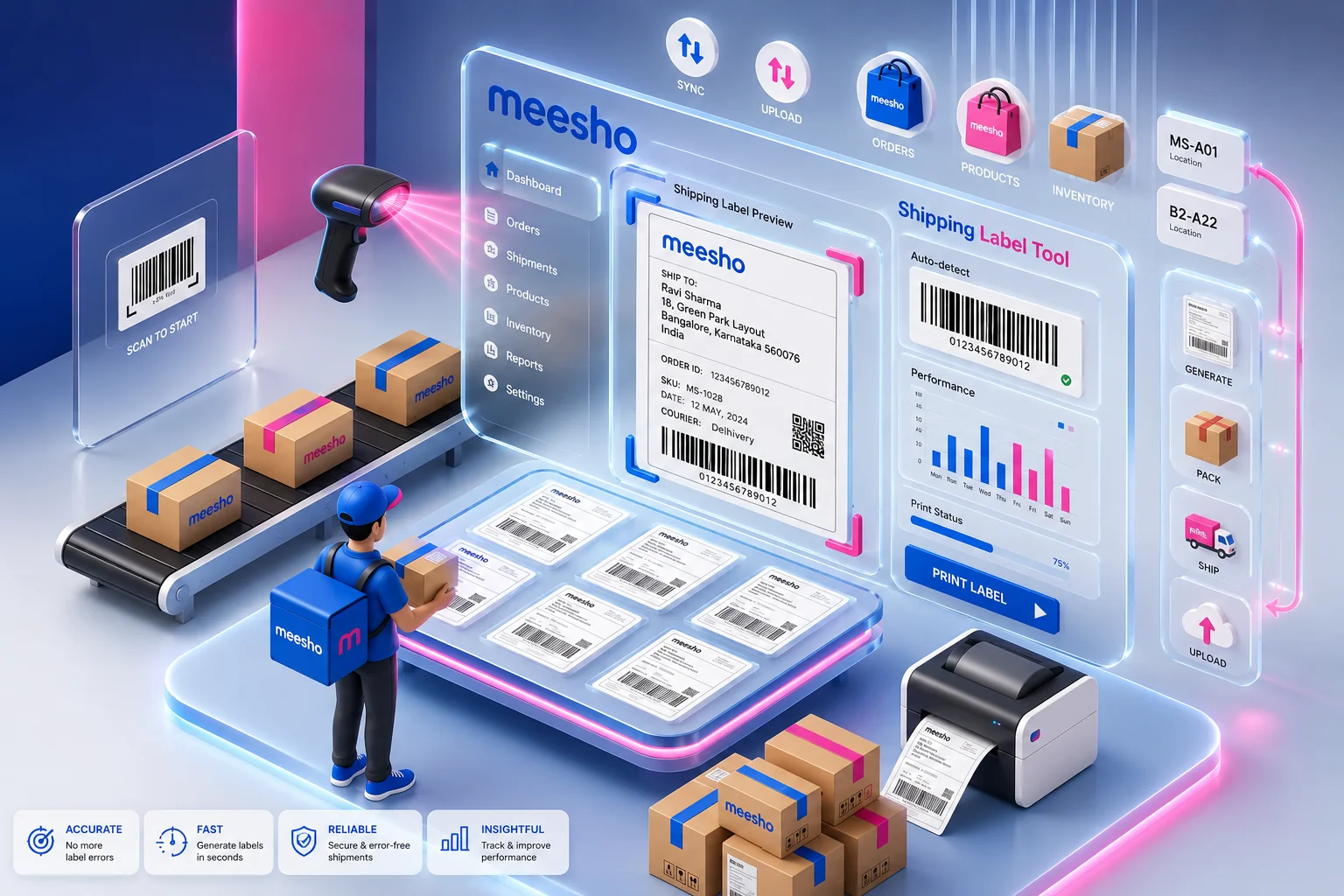
Depending on whether you use a heavy-duty warehouse thermal printer or a standard home-office inkjet setup, we support three distinct cropping presets:
| Crop Mode | Target Hardware | Optimal Media Size | Primary Advantage |
|---|---|---|---|
| Single Label | Thermal Printers (TVS, Xprinter, Zebra) | 4" x 4" (100mm x 100mm) or 3" x 3" | 100% scannable barcode quality |
| Invoice (A4) | Desktop Laser & Inkjet Printers (HP, Canon) | Standard A4 Sheets | Extracts neat client-facing bills |
| 4 Labels (A4) | Laser/Inkjet Desktop Systems | A4 Sticky Label Sheets (4-in-1) | Saves up to 75% on sheet consumption |
Navigate to your Meesho Supplier Panel, go to the "Orders" page, and download the combined shipping labels PDF. Drag and drop this original vector PDF directly onto the secure dotted box above. Because your privacy and business safety are highly critical to us, our tool does not send your data to any external server. All extraction and cropping are executed strictly on your local computer.
Select the layout format that aligns with your active warehouse machinery. For 4x4 or 4x6 inch thermal roll-feed printers (like TVS, TSC, or Xprinter), select Single Label Mode. If you are using standard home/office A4 desktop laser printers, choose 4 Labels (A4) Mode to arrange multiple shipping labels gridwise and prevent adhesive label wastage.
Minimize warehouse pick-and-pack times and eliminate incorrect shipments with these automated features:
Click on Process PDF. Within milliseconds, our browser-based script processes your bulk PDF and starts an automatic download of the optimized PDF. Open the downloaded file, access your system's print dialog, choose the correct media size (like 4x4 inches or 100mm x 100mm), set margins to None, and choose Fit to Printable Area or Scale to 100%. This ensures that the barcodes are perfectly positioned and fully scannable at Meesho hubs.
Our tool requires the original PDF to work correctly. Ensure you are uploading the original, primary PDF downloaded straight from the Meesho seller hub. Avoid using screenshots, scans, or highly compressed versions.
This usually occurs due to incorrect browser margins. During the final printing phase, set Margins to None and adjust the scaling slider to Fit to Printable Area or Fit to Paper.
Open your operating system's printer preferences, define a custom paper size of exactly 100mm x 100mm (or 4" x 4"), and ensure the paper sensor is properly calibrated to detect the label gaps.
Yes, absolutely. We do not upload or save any PDF files or invoices to our servers. The processing happens entirely inside your browser, meaning your customer and sales data stays 100% private and secure on your device.
No, it won’t. Our tool carefully crops the labels without compressing them, keeping your barcodes in original high resolution so they scan easily at local hubs.
Sorting stacks identical items together. When doing multiple Packs, your staff can pick all matching SKU orders in batches rather than jumping between shelves. This reduces packing mistakes and speeds up courier dispatching times during morning loads.
Yes, you definitely can. Our 4x4 setups fit neatly on thermal rolls. Just download the files and set your system printer setups to 100x100mm size before printing, selecting the "Fit to Printable Area" scale rules in your print manager.
Make sure you are uploading a valid original Meesho invoice file. Scanned versions or modified formats might not work correctly. Always use the original PDF downloaded directly from Meesho.